
Make something only you can display.
Use 3D Animation Lab to build models from images or prompts, create dimensional logos and text, and prepare animations for your display.
Explore the creative toolsFind the right 3D hologram fan software and 3D hologram fan app for your next display. Control your fan with its mobile app, then turn your ideas into custom 3D content with 3D Animation Lab.
AI creation tools · Browser-based studio · Free plan available

A great display starts with two things: content worth watching and a way to play it. Hologram fan software helps you create the visuals. A hologram fan app connects to compatible hardware so you can upload and manage them.
Use 3D Animation Lab to build models from images or prompts, create dimensional logos and text, and prepare animations for your display.
Explore the creative toolsUse the app recommended for your fan model to connect, upload files and manage playback. LUMINA provides an official download page for its iOS and Android app.
Find the right appCreate 3D hologram fan content around your own brand, products and imagination. Start with a photo, a logo or a few words.
Turn a product image into a textured 3D model. Bring it into Animation Studio to prepare a rotating product showcase.
Explore Image to 3DCreate dimensional lettering for a brand name, event or promotion, then animate your message for a display people notice.
Explore 3D textGive an SVG logo depth, bevels and a new material. Use Animation Studio to create a looping logo animation for your fan.
Explore Logo to 3DTool access and export features vary by plan. Compare current plans before choosing your workflow.
Open 3D Animation Lab, choose a creation tool and upload your source image or describe the model you want to make.
In Animation Studio, set the rotation and duration. Export a square MP4 with a black background, using the features available on your plan.
Transfer the file using your fan’s supported app or upload method. Check the model’s resolution and format requirements, then preview the loop on your display.
Already have a display? Start with the app specified in its manual. If you’re looking for a holographic LED fan app or a 3D LED fan app, compatibility with your exact fan matters more than the app’s name.
Looking for a hologram app for Android or an iPhone download? LUMINA’s official app page links to Google Play and the App Store. Follow your model’s instructions to connect and upload.
Open the official app download pageFor content creation, open 3D Animation Lab in your browser to explore its online tools. For Windows software that controls a fan directly, use the manufacturer’s instructions for your exact model; the creative studio serves a different purpose.
Explore the browser-based studioLUMINA’s mobile control app is free. 3D Animation Lab offers a free plan for trying selected creation tools online, with paid plans for additional features. Check the current plan details for Animation Studio and export access.
See free and paid options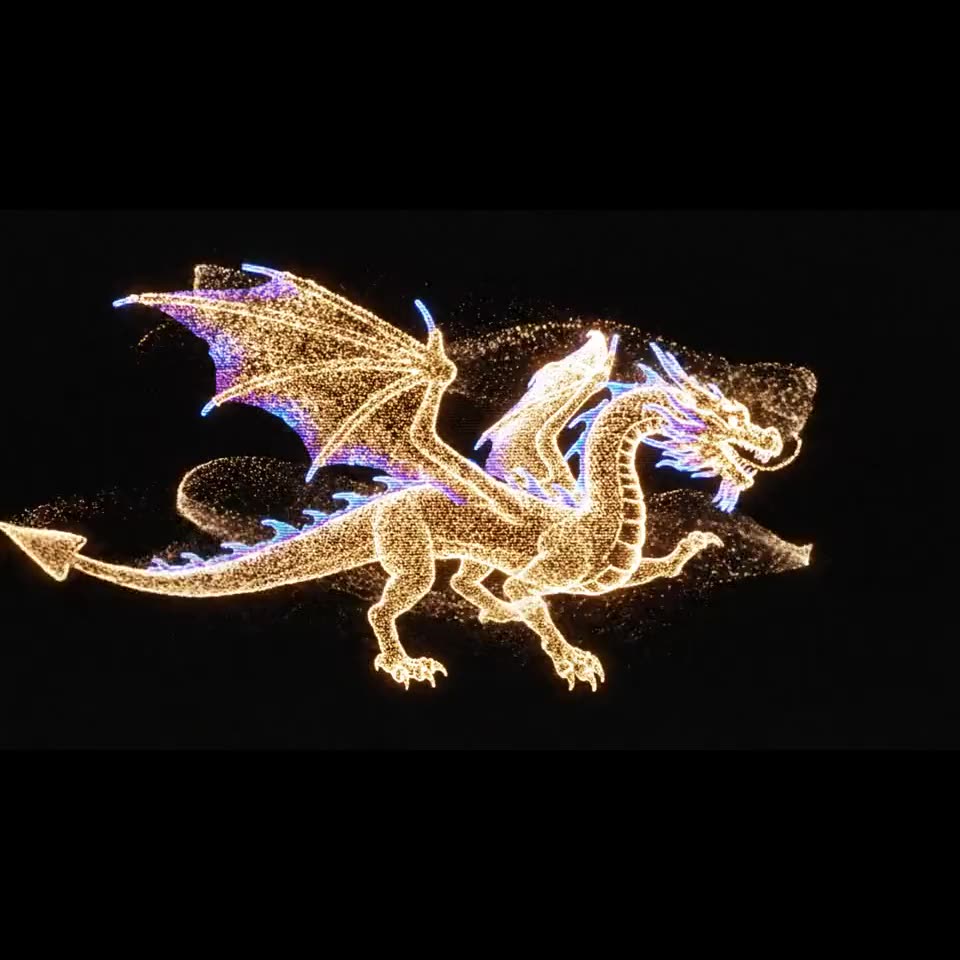
When you’re choosing videos for a hologram fan, look at the composition as well as the subject. A clean, centered animation helps the floating effect read clearly.
Get the right tool for your next step.
3D Animation Lab is a content creation studio. Use it to generate models and prepare animations with the tools on your plan. Use your fan’s compatible control app or supported upload method to transfer and play those files.
Choose the app named in your fan’s manual or recommended by its manufacturer. For LUMINA devices, start with the official app download page. For another brand, confirm the correct app and model support with that manufacturer.
3D Animation Lab has a free plan with selected creation tools and a one-time credit allowance. Some tools and export features require a paid plan. Visit the current pricing page to check what is included before starting a project.
MP4 is a common choice, and 3D Animation Lab’s Animation Studio is designed to export square, black-background MP4s. Your fan may have specific resolution or encoding requirements. Follow its manual and test a file before preparing a complete playlist.
Try content with a pure black background around the subject. Bright backgrounds also light up on the display, which can reduce the floating effect. Recheck the exported file’s background and framing before uploading it again.
Confirm that you have the correct app for the model, the fan is powered on and you’re following its connection instructions. For a LUMINA device, contact LUMINA support with your model and phone details for help.
Turn a product, a logo or a new idea into content made for your next hologram display.
Create online. Explore the tools. Find the plan that fits.